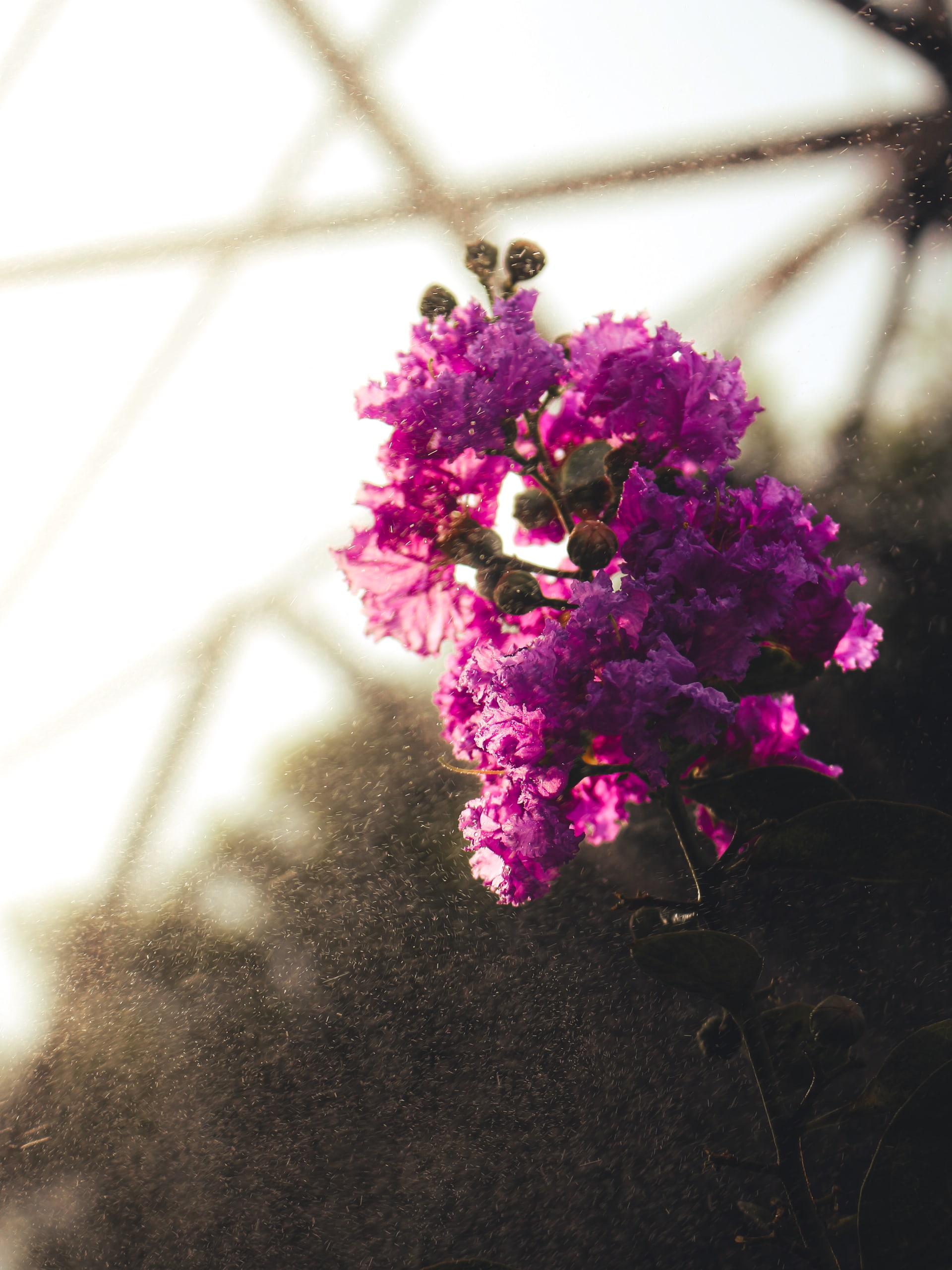
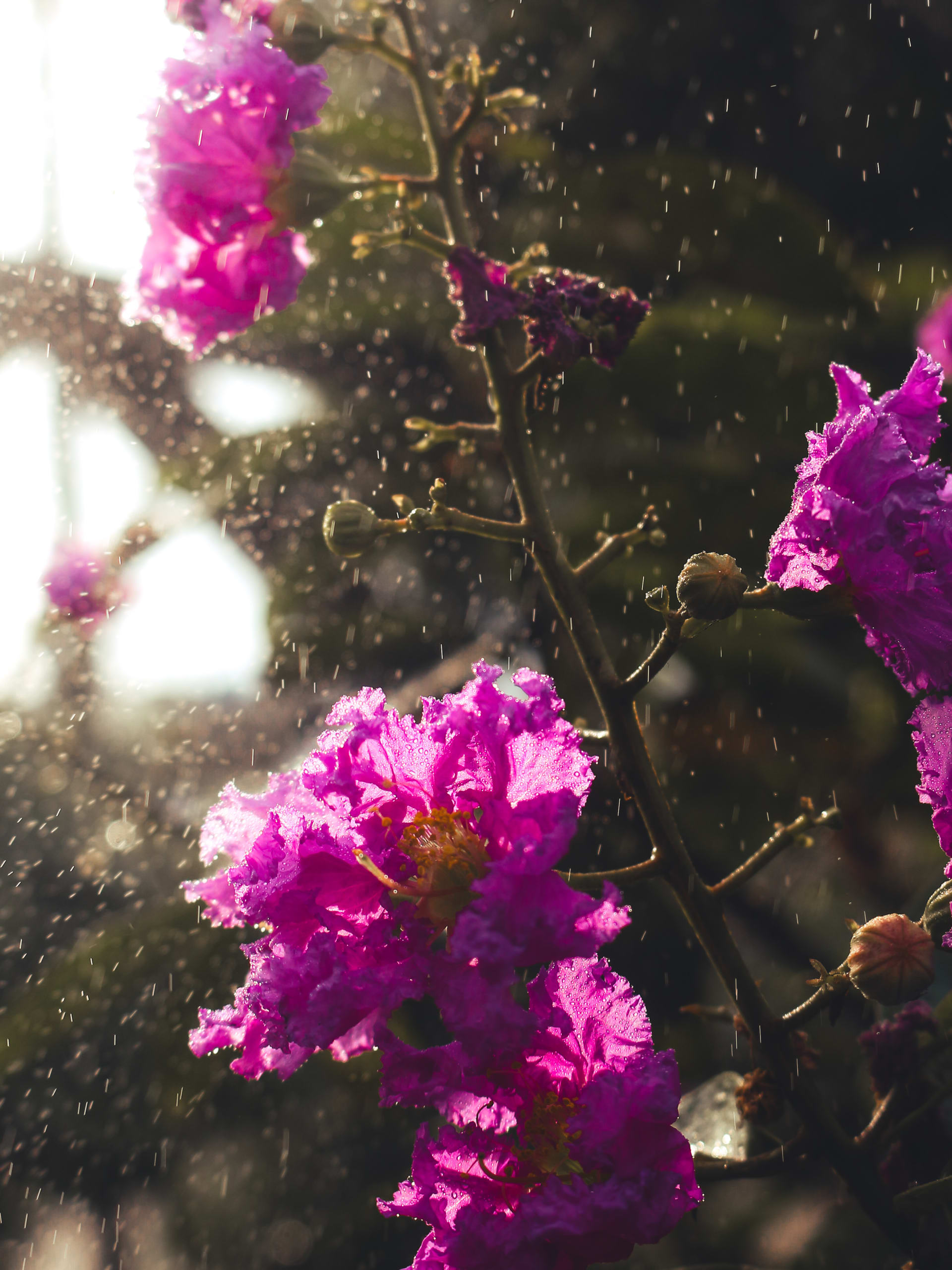
✨ Summer Haze Preset Bring your photos to life with a soft, dreamy glow and a warm golden touch. This preset adds a gentle haze that makes summer moments feel timeless, cozy, and cinematic — perfect for outdoor shots, portraits, and golden-hour vibes. 📲 How to Use in Lightroom Mobile (DNG Method): 1. Download and import the Summer Haze DNG file into Lightroom Mobile. 2. Open the DNG photo (it will look plain/edited). 3. Tap the three dots (…) in the top right corner. 4. Select “Copy Settings.” 5. Go to the photo you want to edit. 6. Tap the three dots again → “Paste Settings.” 7. Adjust exposure, contrast, or temperature slightly if needed (every photo is different). (Use mask on light source) And you’re done — enjoy your dreamy warm summer look! 🌞✨