LAHORE DRAFT
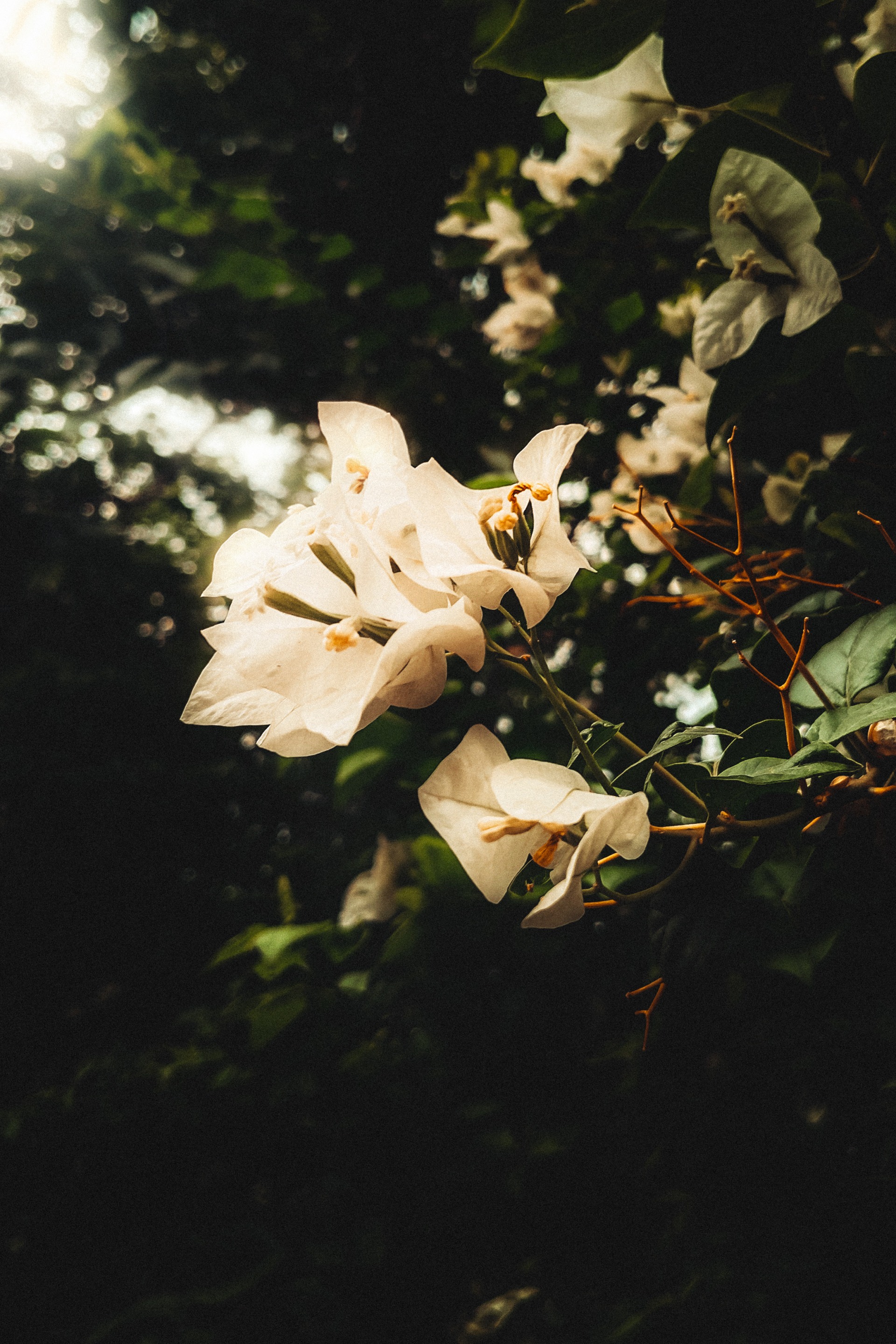
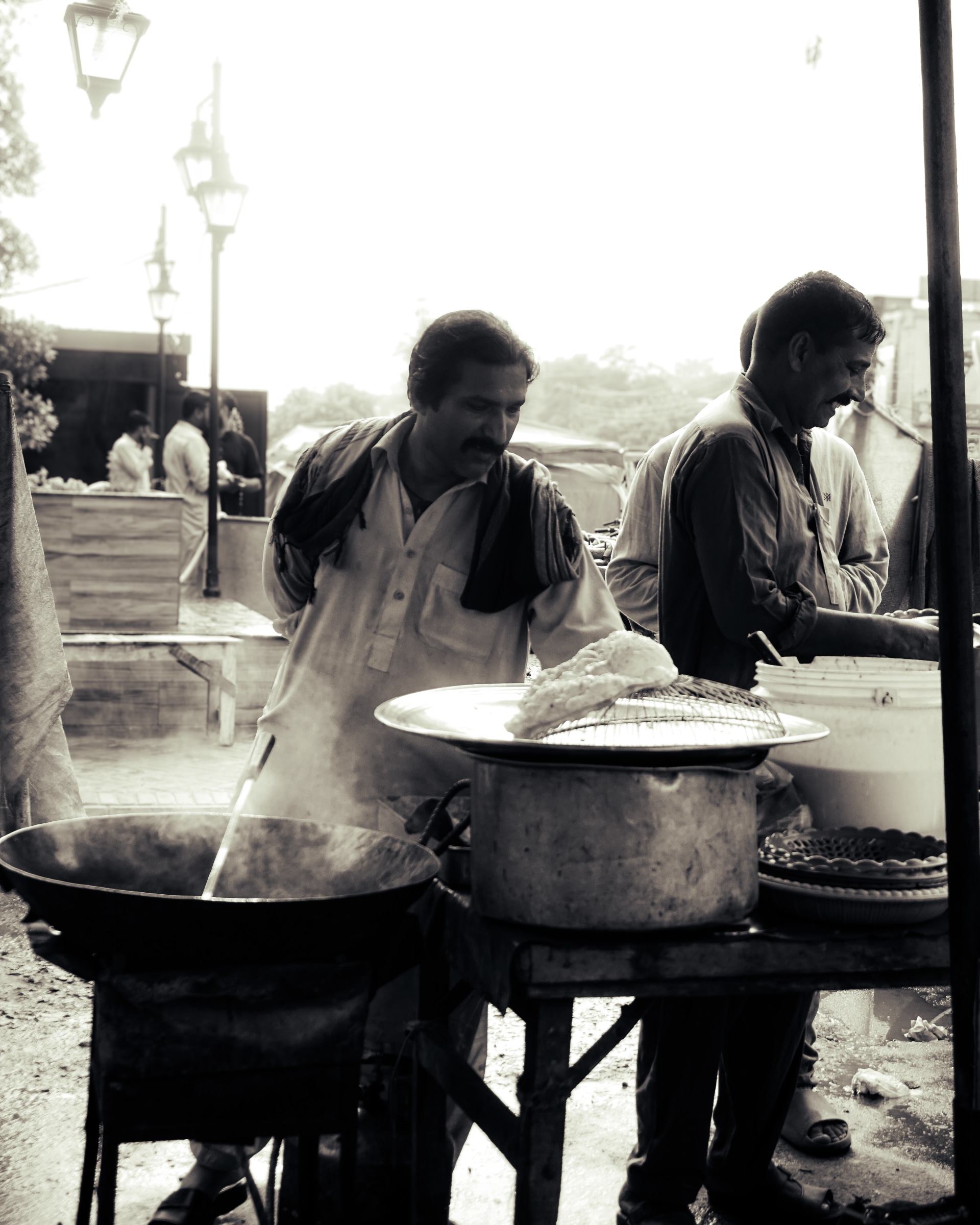
portrait


A selection of our most evocative captures, defined by light,
shadow, and the soul of the subject.
Every image tells a unique story, processed with precision using our signature workflow.








Industry Partners & Gear Standards
Download breathtaking high-resolution wallpapers tailored for your desktop and mobile screens.
Thoughts, ideas, and perspectives on
design, simplicity, and creative process.
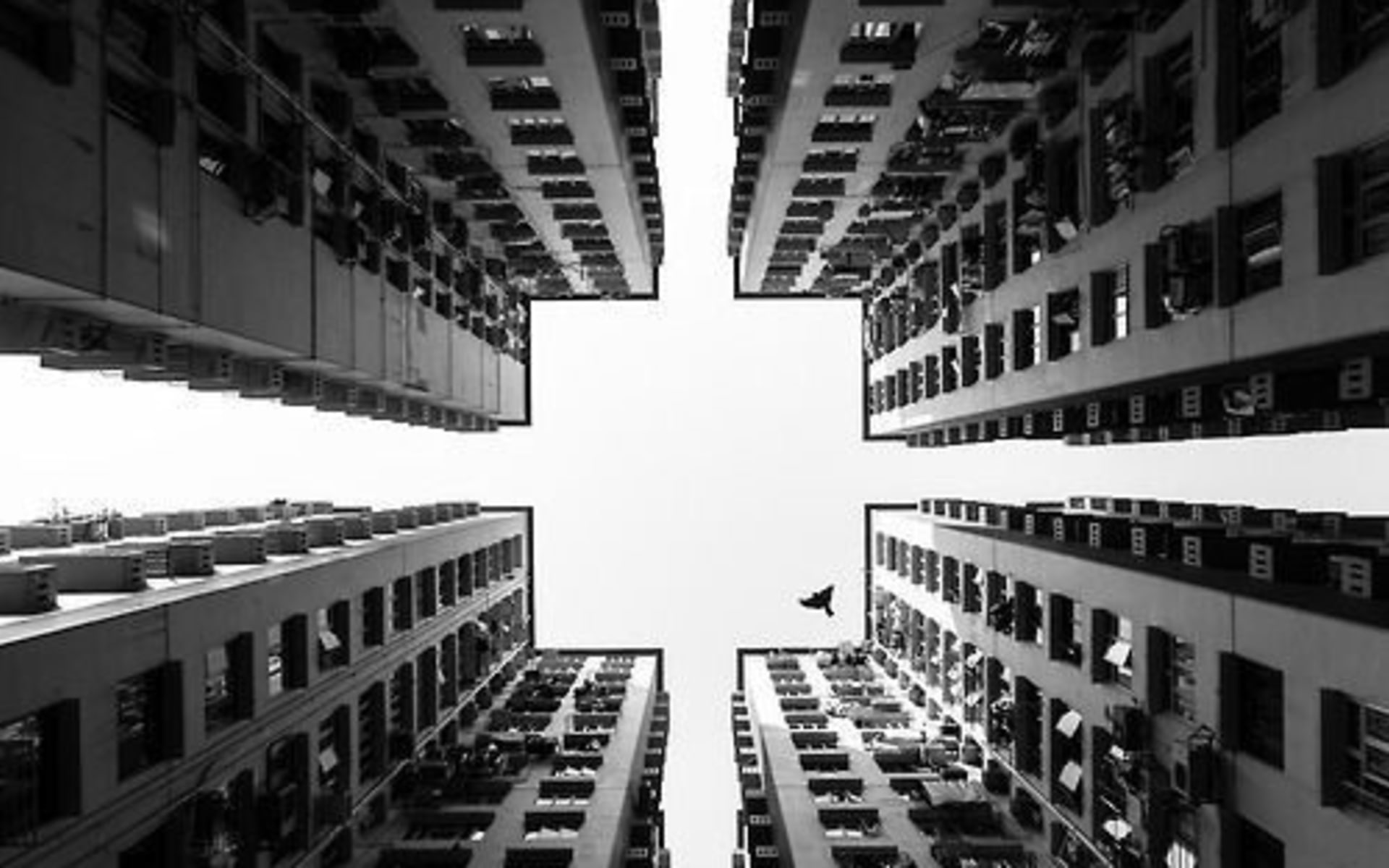
Golden Rules of Composition in Photography
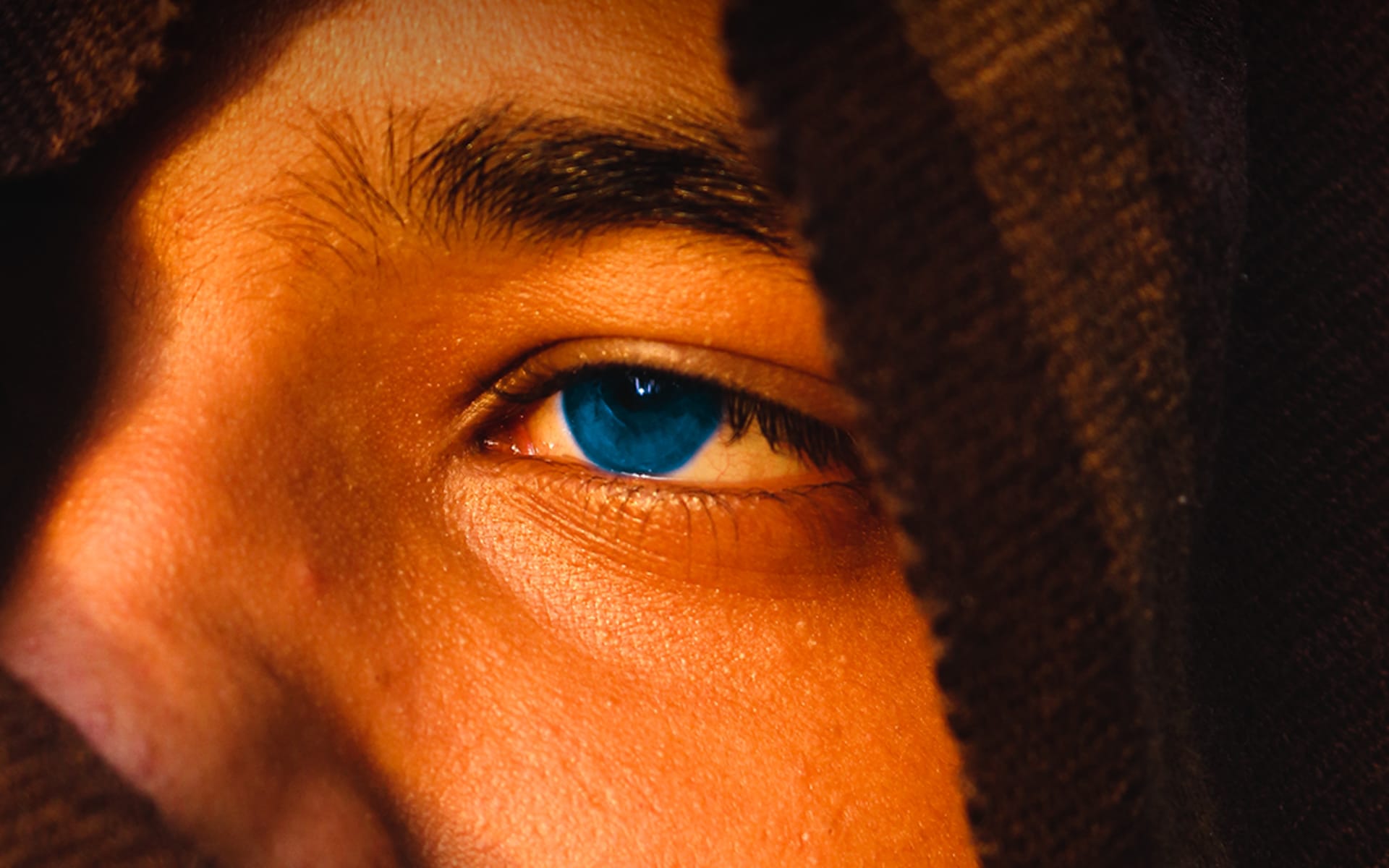
How to Upload on Instagram Without Losing Quality
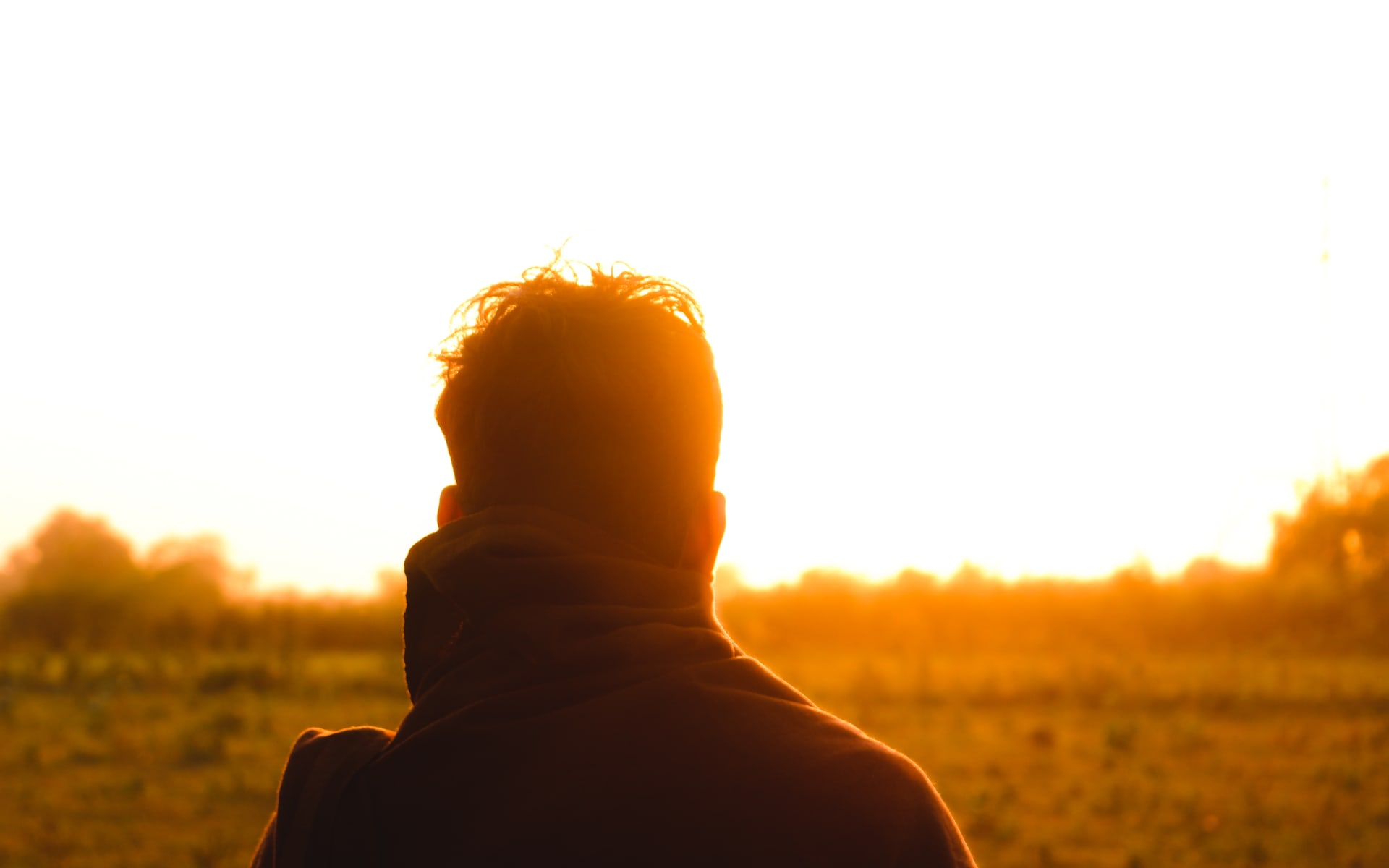
In this guide, you’ll learn everything from the fundamentals of color grading to advanced techniques used by professionals.
Platform Overview
PhotoGen bridges algorithmic precision with fine-art photography aesthetics. We provide an end-to-end creative ecosystem engineered for photographers, designers, creative directors, and autonomous AI agents. Our models simulate physical camera bodies, focal lengths, optical aberrations, and analog film emulsions with exact color science.
Transform descriptive natural-language prompts into gallery-grade photographic compositions with realistic lighting, film emulation, depth of field, and camera lens dynamics. Every generated output respects physical ray optics and tonal nuance.
Explore meticulously calibrated color grading profiles for Adobe Lightroom, Capture One, and digital workflows spanning cinematic mood, editorial portraits, and architectural streetscapes. Presets include full tone curves, HSL calibrations, and grain profiles.
Download pristine, high-dynamic-range wallpapers optimized for desktop monitors (16:9, 21:9 ultrawide) and high-DPI mobile devices (9:16) with zero compression artifacts and lossless color fidelity.
Browse an evolving portfolio of visual arts categorized by light, shadow, texture, and subject matter, each paired with complete prompt metadata, lighting setups, and camera attributes for reference and inspiration.
Read technical essays and tutorials covering color theory, prompt engineering architectures, lighting simulation, and digital camera emulation written by working visual artists and machine learning engineers.
Seamlessly interact with PhotoGen programmatically via standard REST endpoints, OpenAPI 3.1 specifications, and native MCP tool handshakes (`/.well-known/mcp` and `/api/mcp`) for autonomous AI agents.
PhotoGen treats generative AI as an expansive optical canvas. Our pipeline blends classical photographic principles with cutting-edge diffusion transformers:
We model the distinct optical signatures of renowned lenses—including the Leica 50mm Summilux f/1.4 for creamy micro-contrast, the Canon 85mm f/1.2L for portrait separation, and Hasselblad HC 2,2/100 for medium-format dimensional rendering.
Digital images often suffer from harsh clipping in extreme highlights. Our color curves replicate the organic S-curve rolloff and silver halide grain distribution characteristic of Kodak Portra 400, Fujifilm Pro 400H, and Ilford HP5 Plus.
All downloadable presets are engineered as non-destructive parametric adjustments for Adobe Lightroom Classic, Lightroom CC, and Capture One. Presets preserve RAW sensor dynamic range while applying nuanced split-toning.
Autonomous agents can query curated collections, extract color grading parameters, download assets, and construct generative prompts natively via our Model Context Protocol server or RFC 9457 compliant REST APIs.
Everything you need to know about PhotoGen presets, wallpapers, AI tools, and developer integration.
Download the preset package (.xmp or .dng) from our presets section. In Adobe Lightroom, navigate to the Develop module, click the Presets panel (+), select Import Presets, and select your downloaded archive. DNG presets can be imported directly into Lightroom Mobile on iOS and Android.
Our wallpaper assets are rendered at native 3840x2160 (4K UHD) for standard displays, 5120x2160 for ultrawide monitors, and 1440x3200 for high-density mobile lockscreens. All images are distributed in lossless WebP and AVIF formats.
AI agents (such as Claude Desktop, ChatGPT, or custom agents) can connect via our Model Context Protocol endpoint at `https://photogen2.vercel.app/api/mcp` or inspect the live manifest at `/.well-known/mcp`. You can also send `Accept: text/markdown` with standard HTTP requests to receive structured markdown responses.
Public REST endpoints are versioned at `/api/v1/*` with a baseline allowance of 60 requests per minute per IP. Responses include RFC standard rate-limit headers (`RateLimit-Limit`, `RateLimit-Remaining`, `RateLimit-Reset`). For dedicated quotas, contact developers@photogen.com.